 Play The Portal
Get recruited. Find your next player.Find your team.
Find your team.
Build your roster.
Players, put your game in front of coaches. Coaches, find the players your team needs.
Choose your sport Build your profile Find your fit
Explore the sports
Start with your sport.
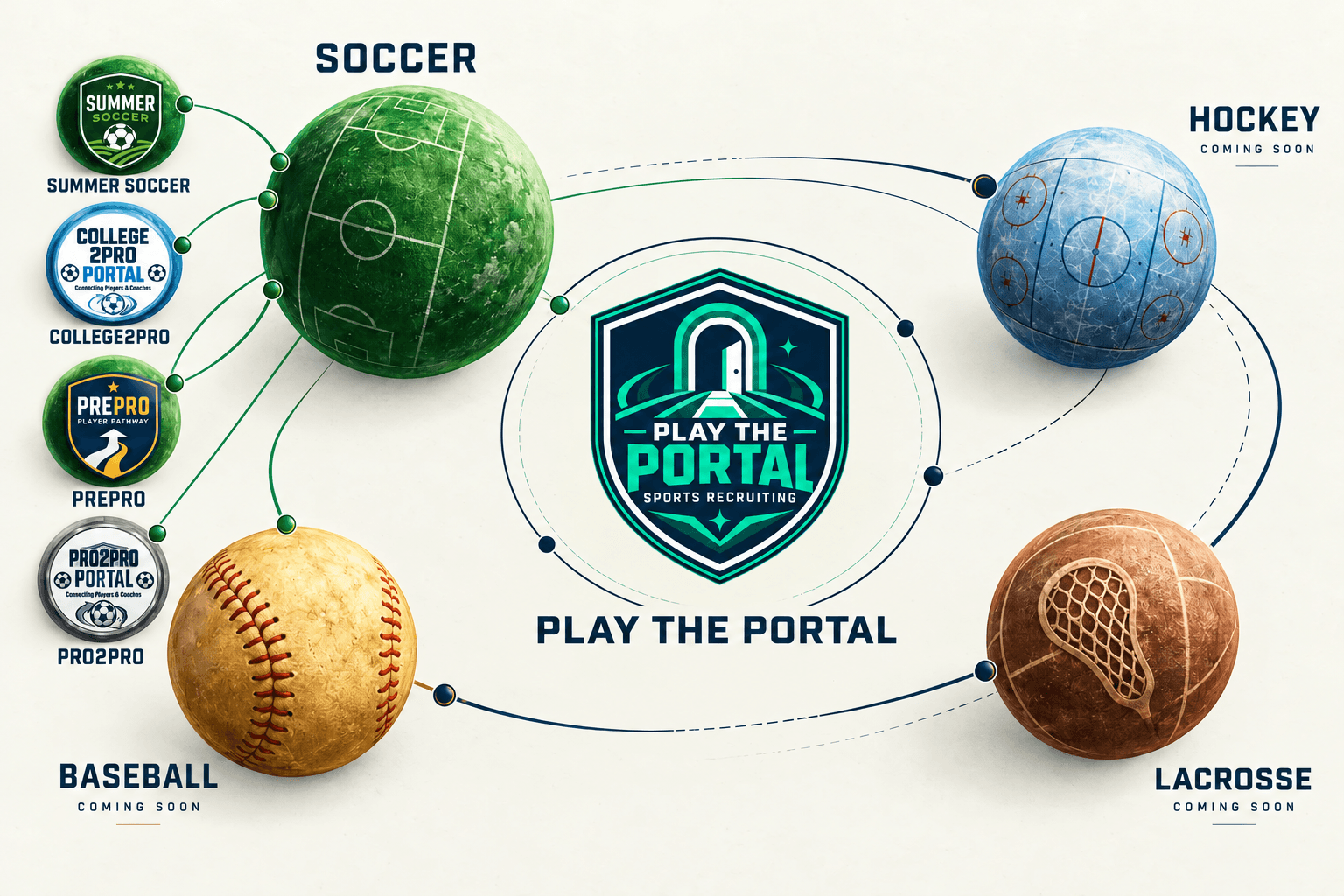
Soccer is open. More sports are on the way.

Soccer
Explore
Lacrosse
Coming soon
Baseball
Coming soon
Built for the work of recruiting
Find your fit. Find your next team.
A clear card. The right tools. Your next opportunity.
 Example profilesVideo & profiles
Show the player behind the stats.
One card. Your film, strengths and experience.
More about Video & profiles
Showcase your game with video clips, positions, playing history and stats in a profile coaches can review.
Player guide Example profilesTeam applications
Find a team. Make your move.
Find openings. Send your card. Get a reply.
More about Team applications
Apply to teams of your choice or their open roles with your profile. Next Move gives you three applications across your Portals to put your game in front of teams you want to join.
Player guide Example profilesAI Match
Find the fit faster.
Position. Level. Location. Housing.
More about AI Match
Our AI Match algorithm compares player answers with your team’s needs and explains the fit. Summer Soccer considers position, playing level, location and housing. Fit helps focus your search. Watch the film and review the full profile to make your decision.
Coach guide Example profilesUltra Swipe
Less searching. More scouting.
One player at a time. At your pace.
More about Ultra Swipe
Ultra Swipe puts player cards and available film in a focused view. Like or skip, inspect a full profile, revisit skipped players or return to the grid.
Coach guide
Players. Coaches. Parents.
A clearer path to the next team.
Get seen.
Get scouted.
Put your game in front of coaches. Find openings that fit. Apply with your card.
I’m a PlayerFill the gaps
in your roster.
Find players for your roster. See the fit, watch the film and manage applicants in one place.
I’m a CoachHelp them make
their next move.
Understand the steps, explore opportunities together and help your player decide when to connect.
The parent guide- 01Build your card
Show your film, position and experience.
- 02Find the fit with AI Match
Explore teams that need players like you.
- 03Make your move
Send your card. Respond to coach interest.
Get seen across the country. Find your next player.
See the recruiting journey
- 01
Profile
The player adds positions, experience, stats and film.
- 02
Coach interest
The coach reviews the player and sends interest in that Portal.
- 03
Player acceptance
The player accepts or declines the coach’s interest.
- 04
Invitation
The coach sends an invitation. The player responds.
- 05
Placement
The player and coach confirm the result in their recruiting activity.
Give your next team
a reason to find you.
Your card opens the door. Film shows your game. AI Match helps both sides find the fit. Apply to teams and use Get seen tools to give your card more chances in coach browsing.
Choose your sport, then a Portal for your recruiting goal. You can join multiple eligible Portals within your sport, each with its own opportunities.
Why we built Play The Portal
Play The Portal was built by former and current professional athletes and professional coaches who have experienced scouting and recruiting across sports and at every level of the game. We work with coaches on the details they need and with players on what matters in their next team.
Scattered clips, inboxes and personal networks make recruiting harder than it needs to be. We bring both sides together.
Find your opportunity
Choose your goal.
A summer team. Your next level. Start in the right Portal.
 01 / SOCCERSummer teams
Summer Soccer Portal
Find a summer team. Build a summer roster.
What’s inside
- Player profiles & film
- AI Match & Ultra Swipe
- Team applications
- Recruiting activity
 02 / SOCCERNext-level teams
PrePro
Put your game in front of year-round amateur clubs. Find your fit, share your film and take the next step on your terms.
What’s inside
- Player profiles & film
- Reviewed playing and team evidence
- Voluntary contact sharing
- Recruiting activity
 03 / SOCCERNext-level teams
College2Pro
Show professional clubs what you bring. One profile for your school, film and eligibility, with connections you choose.
What’s inside
- Player profiles & film
- Reviewed playing and team evidence
- Voluntary contact sharing
- Recruiting activity
 04 / SOCCERNext-level teams
Pro2Pro
Be seen by professional clubs. Put your playing history and film to work, express interest directly and decide when to share contact.
What’s inside
- Player profiles & film
- Reviewed playing and team evidence
- Voluntary contact sharing
- Recruiting activity
For parents: understand the next step.
Explore the parent journeyChoose Player at signup and help create your child’s profile using their playing details. Complete verification and consent together, then explore teams and openings. Help your player get seen by coaches across the country and review the opportunities that fit their goals.
Your child follows the Player journey. You can help them build their profile and explore opportunities together.
Want to know more?
What is Play The Portal?
Play The Portal is a sports scouting and recruiting platform for Players and Coaches. It brings player profiles, team applications, AI Match, Ultra Swipe and recruiting activity into one system.
How do I get started?
Choose your sport, your Player or Coach role, then the recruiting Portal that fits your goal. Build your profile and start finding your next team or player. A direct Portal entrance skips the sport chooser.
Which sports and Portals are available now?
Soccer is available through Summer Soccer, PrePro, College2Pro and Pro2Pro. Hockey, Lacrosse and Baseball are coming soon. Enrollment depends on the availability shown inside each Portal.
Can I join more than one Portal?
Your account uses one sport and one Player or Coach role. You can join multiple available Portals within that sport. Recruiting activity stays in the Portal where it happens.
How does AI Match work?
Our AI Match algorithm compares player answers with team needs and explains the fit. Summer Soccer considers position, playing level, location and housing. Fit helps focus the search; coaches still review film and the full profile to make their own recruiting decisions.
How can parents help?
Parents can select Player at signup and help create their child’s profile using the child’s playing details, completing verification and consent together. Then explore teams and review opportunities together. Help your player review coach interest and decide which opportunities to pursue. Parents follow the Player journey with their child.
How can coaches discover my game?
Finish and activate your profile in your Portal. Coaches recruiting there can review your playing details and film, find your card in search or Ultra Swipe, and send a Like.